How it works
Four taps to a great walk.
01
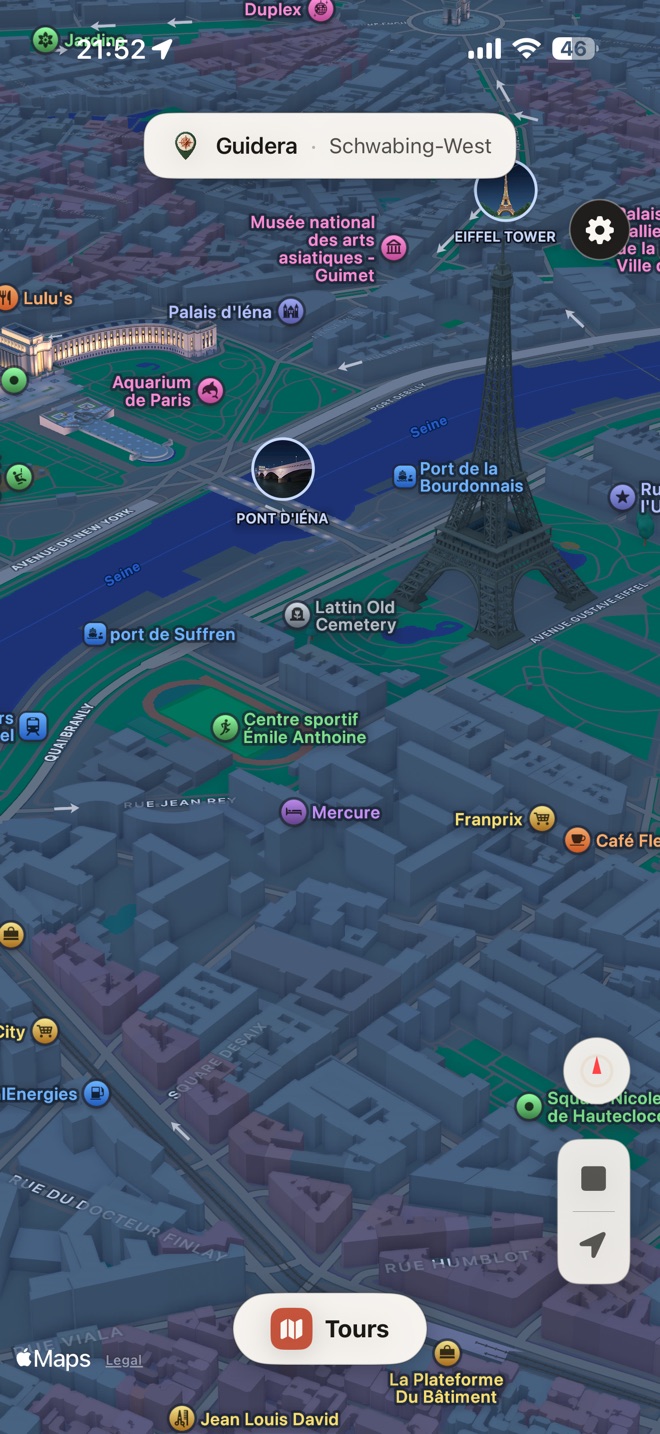
Open the map
Wherever you land, every place Apple Maps knows has a story. No setup, no account, no signup wall.
02
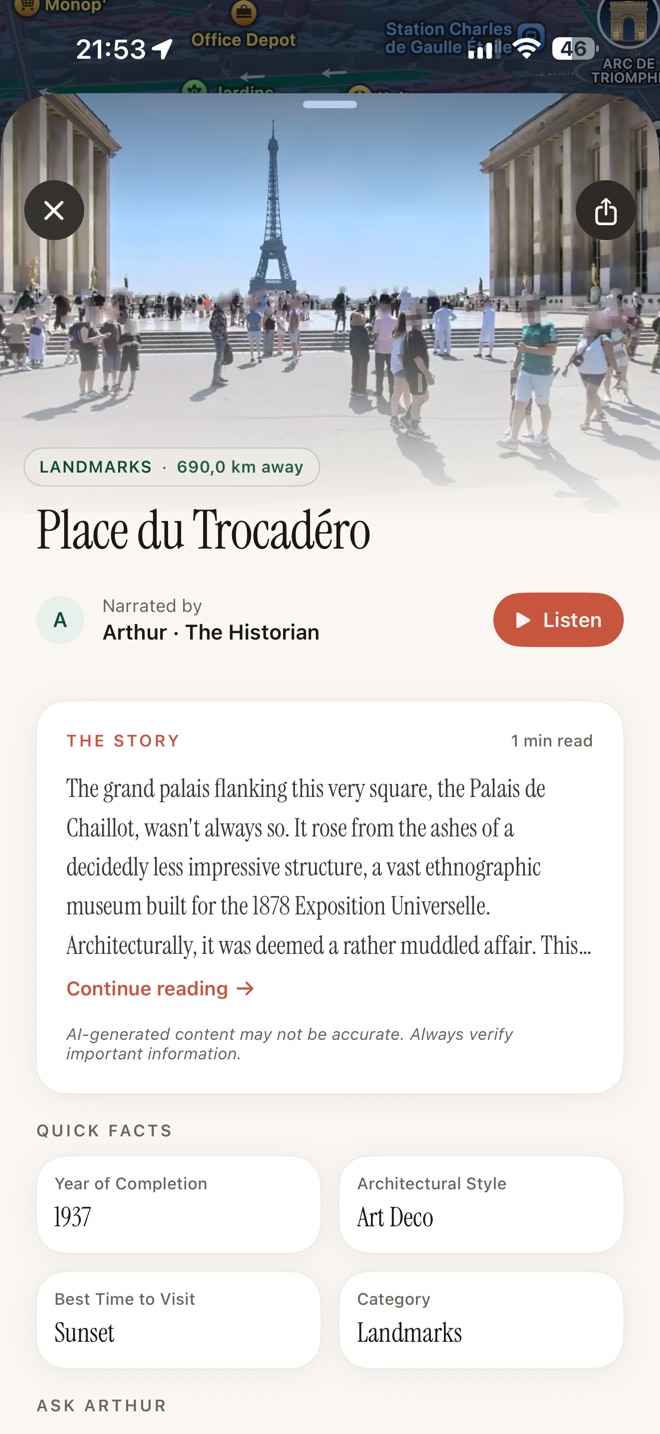
Tap a place
Pick a building, monument, square, or quiet alley. Guidera checks its sources, then tells the story, in the guide, tone and length you chose.
03
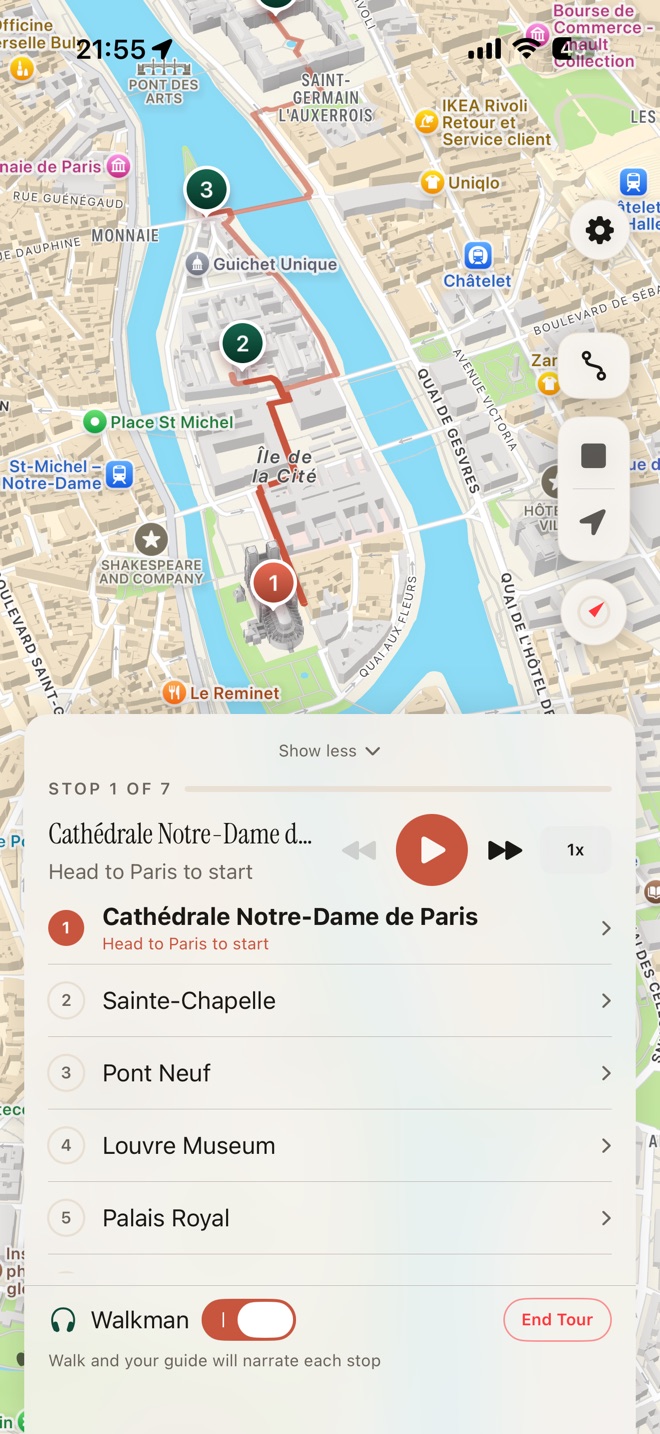
Press play. Walk. Premium
Start a curated tour, build your own for free, or have Guidera plan one from real places. Download it if you'll be offline. Turn on Walkman mode, pocket your phone, and each stop is narrated as you walk. Stop anytime and resume where you left off.
04
Ask follow-ups Premium
Curious about the architect, a date, a name on a plaque? Type a question. Get a real, conversational answer.
Before you hear a story
Research, verify, then tell.
Guidera first researches the place from Wikipedia, Wikidata, Wikivoyage, OpenStreetMap and official city websites. A verifier then removes anything those sources don't support. For little-known places, the guide says less rather than making things up.
That's it.
No accounts to create. No itineraries to plan.